
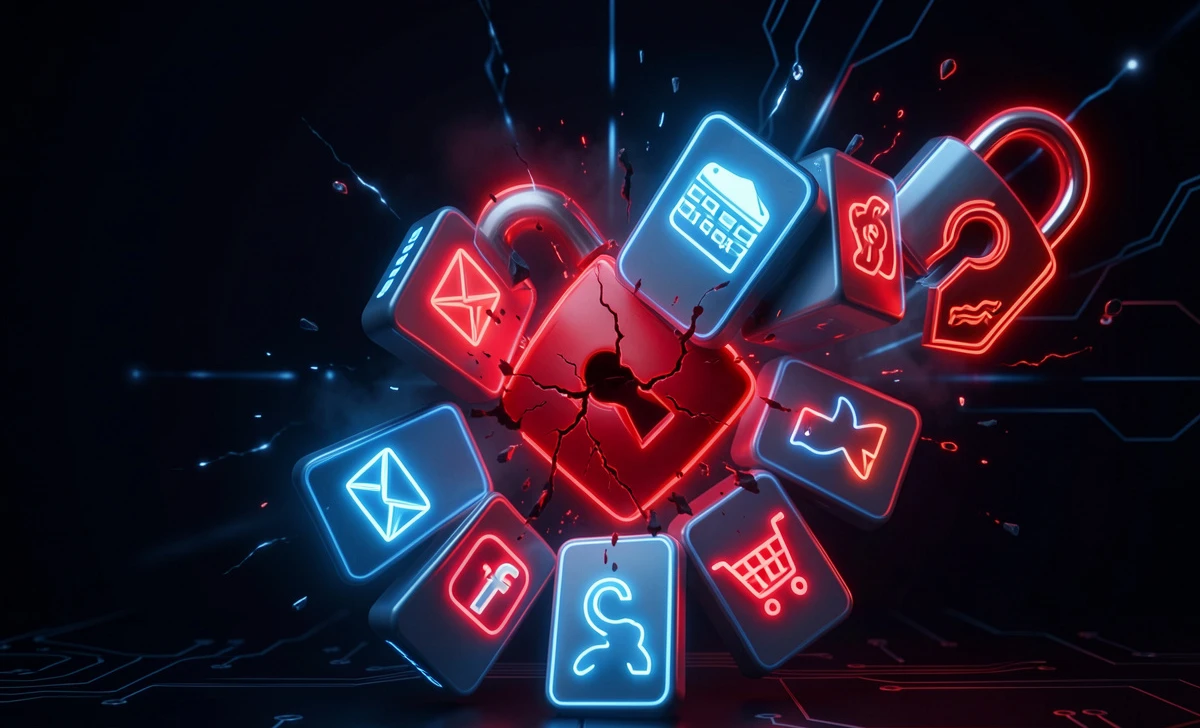
You know that one password you’ve been using for years? The one that’s just easy enough to remember? Yeah, that one. If you’re using that same password multiple sites, you’re not just taking a small risk—you’re handing hackers a master key to your digital life.
Here’s the thing: most of us aren’t careless on purpose. We’re busy. We’re human. But when a single breach happens—and they happen constantly—that one reused password can trigger a chain reaction you didn’t see coming. Let’s break down exactly what happens if I use the same password everywhere, and more importantly, how to stop it before it stops you.
What Actually Happens If You Use the Same Password Everywhere?
The domino effect: One breach → many compromised accounts
Imagine this: You sign up for a random forum in 2023 using your go-to email and that familiar password. Fast forward to today. That forum gets breached. Hackers now have your email + password combo.
They don’t stop there.
They run that same combo against Netflix, Amazon, your bank, your work Slack—anywhere you might’ve used the same login. This isn’t theory. It’s automated. It’s fast. And it’s called credential stuffing.
Real-world timeline: 48 hours from gaming site to drained bank account
Within hours, someone could be shopping with your saved credit card, reading your private emails, or locking you out of accounts you’ve had for a decade. The dominoes fall quietly. You might not notice until it’s too late.
[Image: Flowchart showing the password reuse domino effect from 1 breached site to multiple account takeovers | Alt: diagram showing credential stuffing domino effect]
By the Numbers: Password Reuse Statistics in 2026
Still thinking “it won’t happen to me”? The data says otherwise.
- Over 65% of people admit to reusing passwords across multiple accounts, Verizon DBIR 2025
- In 2025 alone, credential stuffing attacks jumped by 30% year-over-year. Have I Been Pwned Annual Report
- The average person has 100+ online accounts—but only remembers about 10 passwords. Guess how we fill the gap?
And here’s the kicker: email accounts are targeted first. Why? Because your email is the reset button for almost every other service. Once a hacker controls that, they can quietly reclaim your entire digital identity.
You’ve probably noticed more “suspicious login” alerts lately. That’s not paranoia. That’s the new normal.
How Hackers Exploit Reused Passwords
Truth is, understanding how hackers use reused passwords isn’t about fear—it’s about seeing the playbook so you can block the move.
So what exactly is credential stuffing? Think of it as a digital master-key test. Hackers take a leaked email-password pair and run it through automated scripts across dozens of major sites. If your password works on two or three? They’ve hit the jackpot.
They’re not guessing. They’re testing known combinations at scale. And because so many of us reuse passwords, it works shockingly often.
Worse, many sites still don’t flag logins from unusual locations or devices. So a hacker in another country could be scrolling through your account while you’re asleep, and neither you nor the platform notices right away.
Can One Breached Password Really Hack All Your Accounts?
Short answer: yes, if you’ve reused it. Longer answer: It depends on what that password protects.
Why your email becomes the skeleton key
Think of your email account as the skeleton key to your digital house. If a hacker gets in there, they can:
- Reset passwords for other services using “Forgot password?” links
- Access saved payment methods or loyalty points
- Read password reset emails you didn’t request
- Impersonate you to friends, family, or coworkers
I had a reader once tell me she used the same password for her fitness app and her bank. When the fitness app got breached, someone tried (and nearly succeeded) to drain her savings. She caught it just in time—but that’s luck, not a strategy.
When 2FA saves you (and when it doesn’t stop automated bots)
So, can a breached password hack all your accounts? If they’re all tied to the same login details, absolutely. And the damage isn’t just financial. It’s emotional. It’s time-consuming. It’s exhausting to fix.
That said, two-factor authentication (2FA) adds a critical speed bump. Even if someone has your password, they’d need that second code from your phone. But here’s the catch: if a hacker already controls your email, they can intercept reset codes too. That’s why unique passwords + 2FA together are the real power move.
What to Do Instead: Simple, Actionable Steps
Okay, enough scare talk. What can you actually do about this—without spending your whole weekend on it?
Start with a password manager. I know, I know—you’ve heard this before. But hear me out: modern tools like Bitwarden or 1Password aren’t clunky or confusing anymore. You install them, they generate strong, unique passwords for every site, and they auto-fill them when you log in. You only need to remember one master password. Setup takes about 10 minutes. Peace of mind? Priceless.
Check if your accounts were already leaked. Head over to haveibeenpwned.com and type in your email. It’ll show you which breaches you’re in. If you see any you recognize, change those passwords today—and make sure the new ones aren’t reused anywhere else. Watch out for fake tech support scams that often spike after major breaches.
Turn on two-factor authentication (2FA) everywhere it’s offered. Yes, even for that random recipe site. 2FA adds a second step—like a code from your phone—so even if someone has your password, they can’t get in without that second piece.
Create a quick upgrade plan. Don’t try to fix all 100 accounts at once. Start with the big three: email, banking, and social media. Then tackle five more this weekend. Small steps add up. And if you need help crafting a strong, memorable password, we’ve got a simple guide for that.
And if you want a simple checklist to walk through after a breach, I’ve put together a free one-page “Emergency Password Audit” Free Breach Response Checklist.
FAQs
What if I change my password every few months? Isn’t that enough?
Frequent changes help, but only if each password is unique. If you’re rotating the same password across sites, you’re still vulnerable. Focus on uniqueness first, then add regular updates.
Are password managers really safe? What if they get hacked?
Reputable managers use strong encryption and zero-knowledge architecture—meaning even they can’t see your passwords. The risk of using one is far lower than the risk of reusing passwords manually.
I use slight variations of the same password (like adding “123” at the end). Does that help?
Not really. Hackers know these patterns. Automated tools can guess minor tweaks in seconds. Truly unique passwords are the only reliable fix.
How do I know if an account was compromised?
Watch for unexpected password reset emails, logins from strange locations, or charges you don’t recognize. When in doubt, change the password and enable 2FA immediately. Also, stay alert for AI voice cloning attempts where scammers mimic trusted contacts.
The Bottom Line
Look, nobody’s expecting you to become a cybersecurity expert overnight. But understanding what happens if I use the same password everywhere changes the game. It’s not about fear—it’s about taking back control.
Start small. Pick one account to secure today. Then another tomorrow. Before you know it, you’ve built a much safer digital life—without the stress of trying to remember a dozen complex passwords.
If you found this helpful, you might also like our beginner-friendly guide, Best Free Password Managers for Beginners in 2026. It walks you through setup, step by step, with zero tech jargon. And if you ever need to wipe old smartphone data before selling or recycling, we’ve got a secure checklist for that too.



