
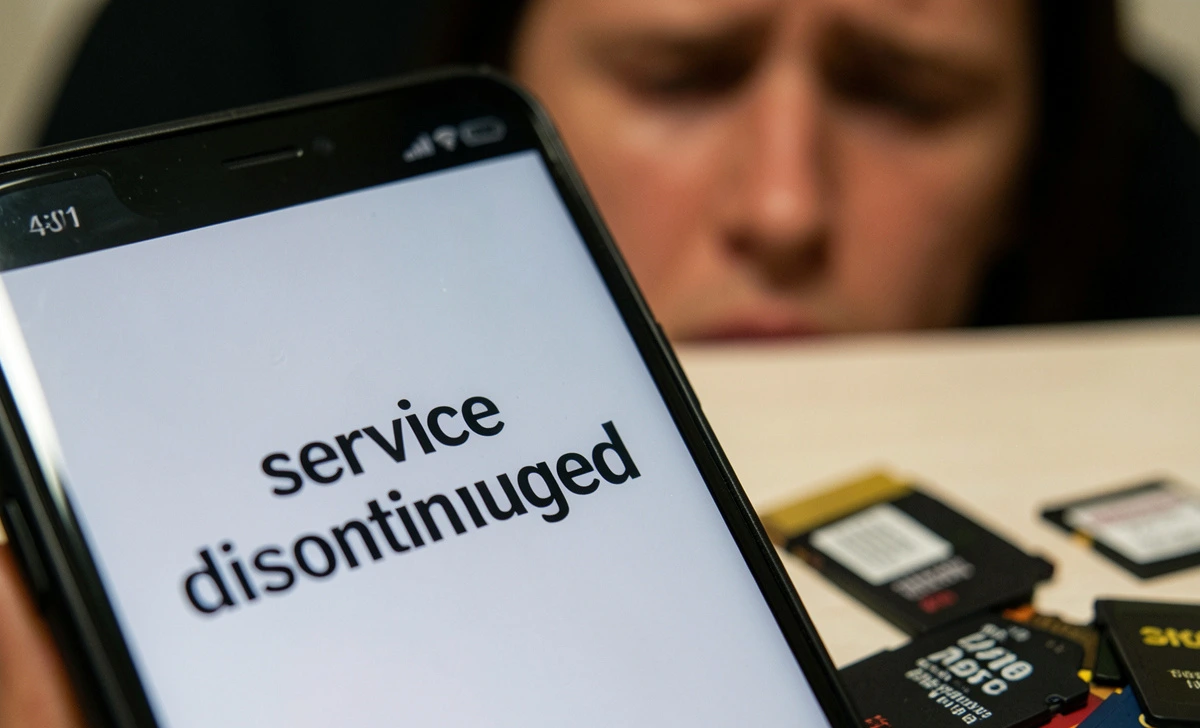
Imagine waking up one morning and discovering that every photo you ever saved — your wedding day, your child’s first steps, your travel memories — is simply gone. Not stolen, not hacked, just deleted. This is not a horror story. This is exactly what happened to thousands of users when a cloud storage company shutdown, wiping their data without proper warning. Most people never think about this until it is too late.
The real problem is that most of us trust cloud storage without understanding how it actually works. We upload our photos, forget about them, and assume they are safe forever. But cloud storage is a business, and businesses can fail, get acquired, or simply change direction. When that happens, your data is at serious risk. And unlike a hard drive failure, where you might recover some files, a cloud shutdown usually means total and permanent loss — with a very short window to act.
In this article, you will find everything you need to know about what actually happens to your photos when a cloud storage company shuts down. We will walk you through the step-by-step timeline, explain how much time you usually have to save your data, and give you a clear migration plan so your memories are never at risk again. Whether you are already facing a shutdown notice or want to be prepared, this guide covers it all.
Why Do Cloud Storage Companies Shut Down?
Cloud services shut down for very clear business reasons, and it happens more often than most people realize.
Common causes include:
- Financial losses or low user growth
- Acquisition by a larger company
- Strategic shutdown — the product is simply discontinued
- Legal or compliance issues
A well-known example is Google, which ended Google Photos’ free unlimited storage in 2021 to shift its business model. Even big, trusted names make changes that affect your data. Smaller platforms are even more unpredictable.
The scary part? Many of these shutdowns come with little warning. Some services give users only 30 days to download everything. If you are not paying close attention, you can easily miss the deadline.
What Happens to Your Photos Step-by-Step?
When a cloud storage company announces a shutdown, things follow a very predictable timeline. Understanding this timeline can be the difference between saving your memories and losing them forever.
1. Official Shutdown Announcement
The company sends emails and posts public notices. At this point, you typically get 30 to 180 days to act. This is your most important window — do not ignore it.
2. Read-Only Mode Activation
Uploads stop working, but downloads are still available. Your photos are still safe at this stage, but the clock is ticking.
3. Account Access Restrictions
After the announced deadline:
- Login may be disabled
- Sync stops working completely
- Apps connected to the service stop functioning
4. Permanent Data Deletion
After the final cutoff date:
- All files are deleted from the servers
- Backups are fully erased
- Recovery becomes completely impossible
According to cloud compliance standards, companies are actually required to delete user data after shutdown for privacy reasons. So there is no chance of them quietly keeping your files around.
Before you even think about which platform to trust next, it is worth checking app location access permissions on your phone — because many cloud apps collect far more than just your photos.
How Long Do You Have to Download Your Data?
This is one of the most important questions, and the answer depends on the size of the company.
| Company Type | Grace Period |
|---|---|
| Small startups | ~30 days |
| Mid-size platforms | 60–90 days |
| Large companies | Up to 6 months |
Important: If you miss this window, your photos are almost certainly gone forever. No customer support line will bring them back. There is no recovery option. The data is wiped, and that is final.
The moment you receive a shutdown notice — or even hear a rumor about one — start downloading immediately. Do not wait.
Can You Recover Photos After a Shutdown?
The short and painful answer is: rarely.
Once servers are wiped, recovery is not technically possible. The only exceptions are:
- If you downloaded partial backups before the cutoff
- If synced copies exist locally on your device
- If you used a third-party backup tool that saved copies elsewhere
But if your photos existed only in the cloud with no local copy, they are gone. Permanently.
This is exactly why relying on a single cloud service is one of the biggest digital mistakes people make today. Cloud storage is convenient. It is not a guarantee.
How to Migrate Your Photos Safely (Step-by-Step)
If a shutdown is announced, move fast. Here is exactly what to do.
Step 1: Download Everything Immediately
Use the platform’s built-in export tools:
- Google users can use Google Takeout
- Dropbox allows full archive downloads
- Most services have a “Download All” or “Export Data” option in settings
Step 2: Verify Your Files
Do not just assume the download worked. Check:
- File sizes look correct
- No folders are missing
- Images actually open and are not corrupted
Step 3: Upload to a New Trusted Platform
Move your files to a reliable service:
- Google Photos — best for Android users
- Amazon Photos — free unlimited photo storage for Prime members
- Microsoft OneDrive — great for Windows users
- iCloud — best for Apple device users
Step 4: Create a Local Backup
This is non-negotiable. Always keep at least one copy that does not depend on an internet connection:
- External hard drives
- USB storage devices
- Personal NAS (Network Attached Storage) systems
Just like you would securely wipe your old smartphone before selling it to protect your data, you need to actively manage where your photos live — not just hope the cloud handles it.
Best Cloud Backup Strategies (2026)
Relying on one cloud service is not a backup strategy. It is a single point of failure.
Use the 3-2-1 Rule
This is the gold standard for data protection:
- 3 copies of your photos
- 2 different storage types (e.g., cloud + external drive)
- 1 offsite backup (a copy stored in a different physical location)
Smart Backup Setup for 2026
Here is a practical setup anyone can follow:
- Primary cloud — Google Photos or Amazon Photos for everyday access
- Secondary backup — External hard drive updated monthly
- Optional third backup — A second cloud service (OneDrive, iCloud) for extra safety
This kind of system ensures zero data loss even if one service disappears overnight.
Real Examples of Cloud Shutdowns
These are not hypothetical scenarios. They have already happened.
Google Picasa (2016)
Google shut down Picasa and forced millions of users to migrate to Google Photos. Users who missed the announcement lost organized albums and edits.
Amazon Drive (2023)
Amazon Drive shut down its general cloud storage service, giving users several months to move their files to Amazon Photos instead. Many casual users nearly missed the deadline.
Flickr Policy Changes
Flickr drastically limited free storage, leading to mass photo deletions for users who did not upgrade to a paid plan. Millions of photos vanished from public and private accounts.
Each of these cases shares the same lesson: no platform is permanent.
How to Know If Your Cloud Service Is at Risk
Most people only act after a shutdown is announced. But there are warning signs you can watch for earlier:
- The company stops updating its app
- Customer support becomes slow or unresponsive
- The service gets acquired by a larger company
- Pricing changes dramatically, or free tiers disappear
- News articles report financial trouble
Staying informed is part of protecting your data. The same way you would learn to identify a deepfake video to avoid being misled online, you need to stay sharp about the platforms you trust with your memories.
Key Takeaways
- Cloud photos are not permanent unless properly backed up
- Most companies give only 30 to 90 days before deletion
- After a shutdown, recovery is nearly impossible
- Always use multiple backups across different storage types
- Watch for warning signs that a service may be shutting down
Final Thoughts
Cloud storage is one of the most convenient tools we have ever had. But convenience is not the same as safety. What this guide shows is simple: your memories are only as safe as your backup system.
If your photos exist in just one place right now — one cloud service, one device, one platform — they are already at risk. Today is the right time to set up a proper backup, not after you receive a shutdown notice.
The good news is that protecting your photos does not require technical skills or expensive tools. It just requires a plan and a little action. Use the 3-2-1 rule, download local copies, and never fully depend on any single service. Your future self will thank you for it.
And while you are thinking about your digital security overall, it is also worth learning about fake tech support scam warning signs — because scammers often target people during exactly these kinds of stressful moments when they are trying to recover data or migrate accounts.



