
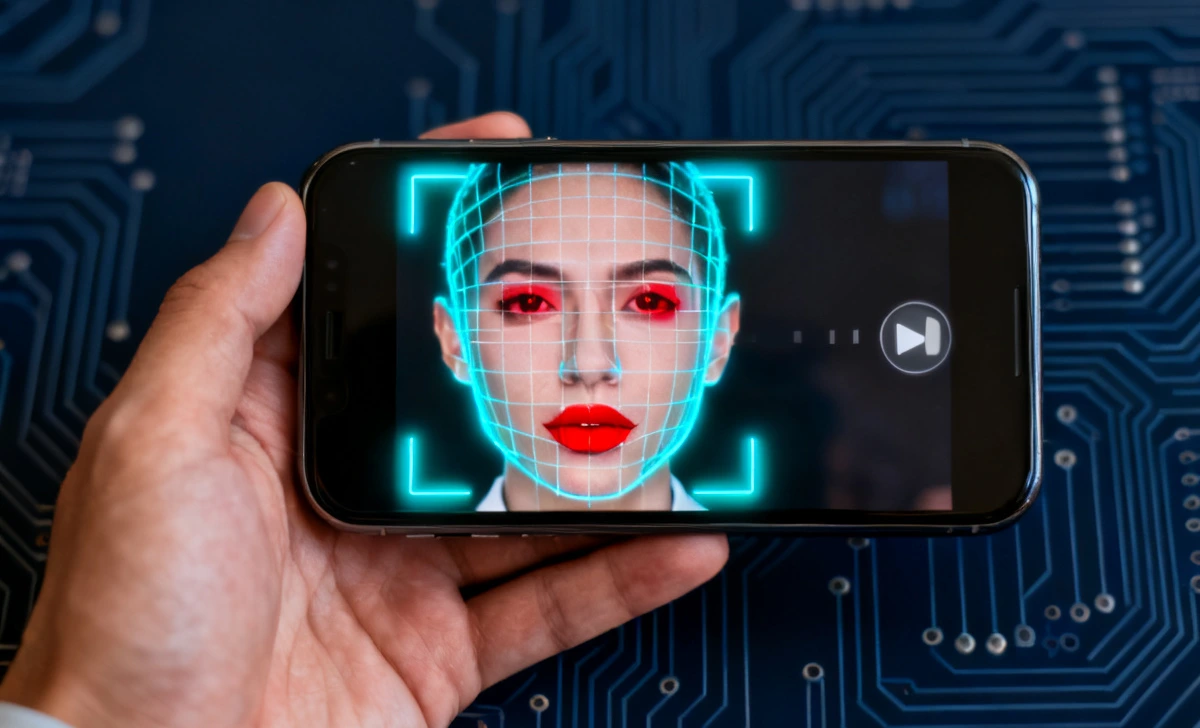
You are scrolling through your phone late at night. A viral video pops up — a famous politician saying something shocking, or a celebrity doing something unbelievable. It looks real. The voice sounds right. But something deep inside you says, ” This does not feel right.
That feeling is your brain trying to protect you. And in 2026, that feeling matters more than ever. Deepfake videos are no longer just a tech problem — they are a daily reality for everyday people. They spread on WhatsApp, Instagram, YouTube, and Facebook at lightning speed. By the time the truth comes out, millions have already seen the fake version. The damage is already done.
The good news is that you do not need a computer science degree or expensive software to fight back. Learning how to identify deepfake video on phone is easier than most people think — your phone already has everything you need. This guide gives you a simple, step-by-step method to spot fake videos fast using only your device. Before you go further, it is also worth knowing how to securely wipe an old smartphone before selling, because your personal data and privacy go hand in hand with protecting yourself from digital manipulation.
What is a Deepfake Video?
A deepfake video uses artificial intelligence to swap faces, copy voices, or create fake actions that never actually happened. These videos are digitally altered to look completely real.
According to a 2024 report by Sensity AI, deepfake content increased by over 550% since 2019. Most of it spreads through social media platforms, often targeting politicians, celebrities, and ordinary people alike.
The word “deepfake” comes from “deep learning” and “fake.” Deep learning is the AI technology used to train machines to copy human faces and voices with scary accuracy.
Why People Search This (Real Problem)
You see a shocking viral video. It looks completely real, but something feels slightly off.
You do not want to install complicated or expensive tools. You just want a quick, reliable way to check whether that video is real — using only your phone.
That is exactly what this guide solves. No technical background needed. No paid apps required.
How to Identify a Deepfake Video Using Only Your Phone
You do not need special software. Your phone already has everything you need.
Follow this simple 3-step method:
Step 1: Slow Down the Video
- Open the video in your phone’s gallery player or use a video app that supports speed control
- Play the video at 0.25x or 0.5x speed
- Focus closely on the face and its movements
Deepfakes often fall apart under slow motion. Small glitches, unnatural blinking, and face warping become clearly visible when you slow things down.
Step 2: Zoom Into Key Areas
After slowing the video, zoom into these specific areas:
- Eyes — look for unnatural blinking or a glassy, lifeless appearance
- Mouth — check if lip movement perfectly matches the words
- Edges of the face — watch for blurring, flickering, or unstable hairlines
Most deepfake errors appear in exactly these areas because AI still struggles to perfectly render fine facial details.
Step 3: Watch Multiple Times
Watch the same clip at least 3 times in a row.
Each time, focus on only one detail:
- First watch: facial expressions — do they look natural and human?
- Second watch: lighting — does the light on the face match the background?
- Third watch: background — does it move or change oddly when the person moves?
Patterns will reveal themselves. What you miss once, you will catch the second or third time.
Visual Checklist: Spot a Deepfake in Seconds
Use this quick checklist every time you watch a suspicious video:
1. Blinking Looks Unnatural
- Too little blinking throughout the video
- Or blinking that happens at odd, robotic times
AI models often struggle with realistic eye behavior. Real humans blink naturally and irregularly. Deepfakes tend to blink too little or in patterns that feel mechanical.
2. Lip Sync Does Not Match Audio
- Words do not align perfectly with mouth movements
- There is a slight delay or mismatch between the voice and the lips
This is one of the most common and easiest signs to spot, especially when you slow the video down.
3. Weird Lighting on the Face
- The face appears brighter or differently lit compared to the surroundings
- Shadows on the face do not match how the head is moving
Lighting mismatch is a major red flag. Real cameras capture consistent light across the whole scene. Deepfakes often paste a face under different lighting.
4. Blurry or Flickering Edges
- The edges of the face look soft, blurry, or unstable
- The hairline appears to shimmer or move in an unnatural way
This happens when AI poorly blends the fake face with the real background. Look closely at the boundary between the face and hair.
5. Strange Facial Expressions
- Smiles look forced, stiff, or slightly delayed
- Emotions shift too quickly or do not match the tone of the conversation
Real human facial expressions are smooth and connected to emotions. Deepfake expressions often look slightly disconnected or delayed.
Free Tools You Can Use on Your Phone
You do not need paid apps. These free tools can significantly improve your detection accuracy:
1. Google Reverse Image Search
- Take a screenshot of a suspicious frame from the video
- Open Google Images and upload the screenshot
- Search for the image online to see if the video exists elsewhere or has been reported as fake
This is a fast and powerful first check.
2. InVid Verification Tool
A free browser-based tool widely used by professional journalists and fact-checkers.
Key features:
- Frame-by-frame analysis — breaks the video into individual frames for close inspection
- Metadata checking — reveals when and where the video was created
- Keyframe extraction — pulls out the most important frames for review
You can access InVid directly from your phone’s browser at no cost.
3. YouTube Frame Scrubbing
If the video is uploaded to YouTube:
- Pause the video at any point
- Drag the scrubber bar slowly, frame by frame
- Look carefully for sudden face changes, edge glitches, or lighting shifts
YouTube’s player is surprisingly powerful for manual frame-by-frame checking.
Common Mistakes People Make
Many people fail to detect deepfakes because they make these basic errors:
- Trusting viral content too quickly — popularity does not equal truth. A video can be shared millions of times and still be completely fake.
- Watching the video only once — one viewing is never enough. Deepfakes are designed to fool you on first watch.
- Focusing only on audio, the voice may sound real, while the face gives everything away. Always check both together.
- Ignoring lighting and shadows — this is the most overlooked clue. Light does not lie.
Important fact: According to a MIT study from 2023, humans correctly identify deepfakes only about 65% of the time without any training or guidance. That means without the right knowledge, you are essentially flipping a coin.
Expert Perspective on Deepfakes
Researchers at MIT Media Lab have stated that while deepfake technology is advancing rapidly, small visual inconsistencies still exist — especially in the areas of motion and lighting. This means that careful human observation remains a genuinely powerful tool, even in 2026.
The key is knowing exactly where to look. Most people watch videos passively. But once you know the specific signs — unnatural blinking, lip sync gaps, lighting mismatches — your detection rate improves dramatically.
Deepfake detection tools are also improving every year, but they are not perfect either. A combination of tool-assisted checking and trained human observation gives you the strongest defense.
What to Do If You Suspect a Deepfake
If you believe a video is fake, take these steps immediately:
- Do NOT share the video — spreading it, even to “warn people,” amplifies its reach and potential damage
- Cross-check with trusted news sources — search for the story on established news websites
- Search for fact-check articles — platforms like Snopes, AFP Fact Check, and Reuters Fact Check often respond quickly to viral deepfakes
- Report the content on the platform — use the “Report” button to flag it as misinformation or manipulated media
Remember: spreading fake content causes real harm to real people. Taking even 60 seconds to verify before sharing can make a significant difference.
Key Takeaways
- Deepfake videos are increasing rapidly and spreading across all major social media platforms
- You can detect many deepfakes using only your phone — no special software required
- Focus your attention on eyes, lips, and lighting — these are the most revealing areas
- Slow-motion playback exposes hidden flaws that are invisible at normal speed
- Free tools like Google Reverse Image Search and InVid significantly improve your accuracy
- Always watch suspicious videos at least three times before forming a conclusion
- Never share a video you are not fully confident is real
Final Thoughts
Deepfakes show us just how powerful — and how dangerous — AI has truly become. Anyone with a laptop and the right software can now create a realistic fake video in minutes. The technology is only going to get more convincing as time passes.
But here is what gives us hope: the small flaws have not disappeared yet. Unnatural blinking, lighting mismatches, and lip sync errors are still there — waiting for a careful eye to catch them.
The most important lesson from everything in this guide is simple: seeing is no longer believing.
Your phone is a powerful tool. Use it with awareness. Slow down, zoom in, and always verify before you share. In a world full of misinformation, your critical eye is your strongest defense.



