
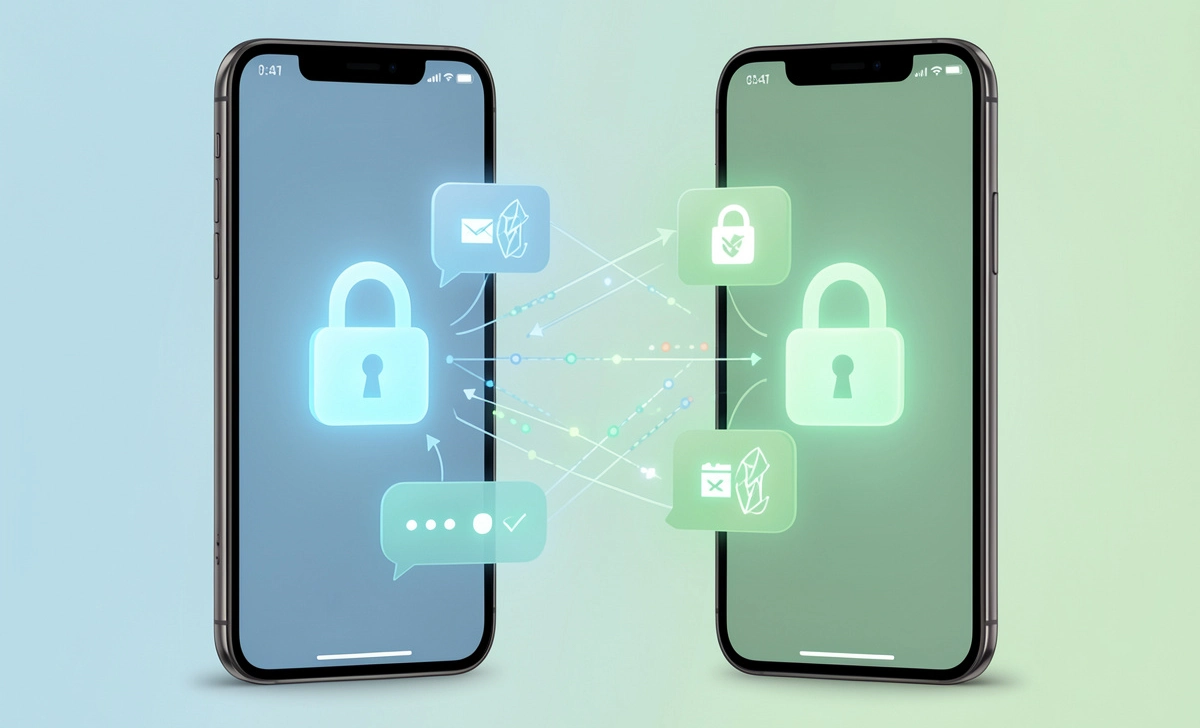
You hit send on a text. Maybe it’s a photo of your kid, a work secret, or just a vent about your day. Ever pause and wonder: Who actually sees this?
Your carrier? The app company? Some random hacker?
That’s where end-to-end encryption beginners becomes less of a tech buzzword and more of a peace-of-mind tool. Let’s cut through the noise and explain what it really means—without the jargon.
What Is End-to-End Encryption? (No Tech Degree Required)
Think of sending a message like mailing a letter.
Without encryption? It’s a postcard. Anyone handling it—the postal worker, the sorting machine, the neighbor who glances at your mailbox—can read it.
With end-to-end encryption? It’s a sealed envelope that only your recipient has the key to open. Not even the postal service (aka the messaging app) can peek inside.
Here’s the simple version of how it works:
- When you sign up for an encrypted app, you get two “keys”: a public one (like a mailbox slot anyone can drop letters into) and a private one (the actual key to your mailbox, which you never share).
- Your message gets scrambled with the recipient’s public key.
- Only their private key can unscramble it.
- Everything in between? Just gibberish to anyone else.
No math degree needed. Just picture two people passing notes in class, but the notes are written in a code only they understand. That’s the gist.
And while encryption locks your messages, don’t forget to check app permissions too—apps can still access your location, contacts, and camera even with E2EE turned on.
Why Do Messaging Apps Use End-to-End Encryption?
Truth is, apps don’t add encryption just to be nice. There’s real pressure behind it.
For starters, users are asking for privacy. After years of data breaches and shady ad targeting, people want to know their chats stay theirs. Apps that offer end-to-end encryption build trust—and trust keeps users around.
Then there’s regulation. Laws like GDPR in Europe and various state-level privacy rules in the U.S. push companies to protect user data by design. Encryption isn’t optional anymore; it’s table stakes.
Take WhatsApp. Back in 2016, they flipped the switch on end-to-end encryption for all messages. Why? Partly to stay competitive with Signal, partly to avoid becoming a data mine for advertisers.
Does WhatsApp Use End-to-End Encryption? How to Check
Short answer: Yes, WhatsApp does use end-to-end encryption for messages, calls, photos, and videos. But here’s the catch—it’s on by default, and many users don’t even know how to verify it.
Want to double-check? Here’s how:
- Open a chat in WhatsApp.
- Tap the contact’s name at the top.
- Select “Encryption.”
- You’ll see a QR code and a 60-digit number.
- If you’re with the person, scan their code or compare numbers. If they match? Your chat is truly locked down.
A few red flags to watch for:
- If an app says it’s “encrypted” but doesn’t let you verify keys, that’s a warning sign.
- Cloud backups (like iCloud or Google Drive) often aren’t covered by E2EE unless you enable encrypted backups separately—and it’s smart to understand cloud backup risks before trusting any single provider.
- Group chats? Encryption still works, but the more people added, the higher the chance someone’s device is compromised.
If you use WhatsApp, you might have spotted the ‘end-to-end encrypted’ note at the bottom of chats—that’s your cue to take a second and verify.
Signal vs. WhatsApp Encryption: Which Is More Private?
Both apps use the same underlying protocol (the Signal Protocol, ironically). So technically, the encryption strength is nearly identical.
But here’s where they diverge:
| Feature | Signal | |
|---|---|---|
| Open Source | Yes, fully auditable | Partially closed |
| Metadata Collection | Minimal (just phone number & last login) | More (contacts, usage patterns, device info) |
| Backup Encryption | Optional, user-controlled | Optional, but tied to the cloud account |
| Company Model | Non-profit, donation-funded | Meta-owned, ad-adjacent ecosystem |
So which should you use?
If your priority is maximum privacy with minimal data footprints, Signal’s the pick. It collects almost nothing about you.
If convenience and network effects matter more (everyone you know is already on WhatsApp), it’s still a solid choice—just tweak your settings. Enable encrypted backups, review privacy options, and verify contacts when it counts.
You don’t have to choose forever. Try both. See which feels right for your circle.
Is End-to-End Encryption Safe? Limitations You Should Know
Myth: E2EE makes you unhackable. Fact: It protects messages in transit, but your device and habits still matter.
Here’s what E2EE doesn’t protect:
- Your device: If someone unlocks your phone, they can read your messages. Encryption stops interception, not local access.
- Metadata: Apps still see who you message, when, and how often. That pattern alone can reveal a lot.
- Human error: Sending a message to the wrong person? Encryption won’t save you.
- Fake accounts: Encryption verifies the channel, not the identity. Scammers can still pretend to be someone you trust. That’s especially worrying with rising AI voice scams, where criminals clone voices to trick you into sending money or info.
And yes, governments sometimes push for “backdoors” to access encrypted data. But security experts agree: a backdoor for the “good guys” is a backdoor hackers will exploit too.
So is it safe? For keeping your messages private from third parties? Absolutely. For making you invincible online? Not even close.
Quick Checklist: How to Stay Safe with Encrypted Messaging
Pro tip: Copy this list into a note app or print it—keep it handy when setting up any new messaging app.
Knowing how encryption works is step one. Using it wisely is step two. Here’s your action plan:
Verify contacts: Use the safety number/QR code feature for sensitive chats.
Enable encrypted backups: In WhatsApp: Settings > Chats > Chat Backup > End-to-End Encrypted Backup.
Lock your device: Use a strong passcode or biometric lock. Encryption can’t help if your phone’s unlocked.
Watch for phishing: No amount of encryption stops you from typing your password into a fake login page.
Update apps regularly: Security patches fix holes before bad actors find them.
Think before you send: Even encrypted messages can be screenshotted. If you wouldn’t say it out loud in a crowded room, maybe don’t type it.
Print this. Bookmark it. Share it with a friend who still texts passwords.
FAQs
Can my phone carrier read my encrypted messages?
Nope. With true end-to-end encryption, your carrier only sees that data was sent—not what’s inside. They’re like the truck delivering the sealed envelope.
What happens if I lose my encryption key or phone?
If you haven’t backed up your keys (or enabled account recovery), you could lose access to old messages. That’s why encrypted backups matter—but store the recovery key somewhere safe, not just in your email.
Does end-to-end encryption work in group chats?
Yes, but it’s more complex. Each participant has their own key pair, and the app manages multiple encryption layers. Still secure, just verify new members before sharing sensitive info.
Why doesn’t Telegram use end-to-end encryption by default?
Telegram’s regular chats use server-client encryption (they hold the keys). Only “Secret Chats” are end-to-end encrypted—and they don’t sync across devices. It’s a trade-off between convenience and privacy.



