
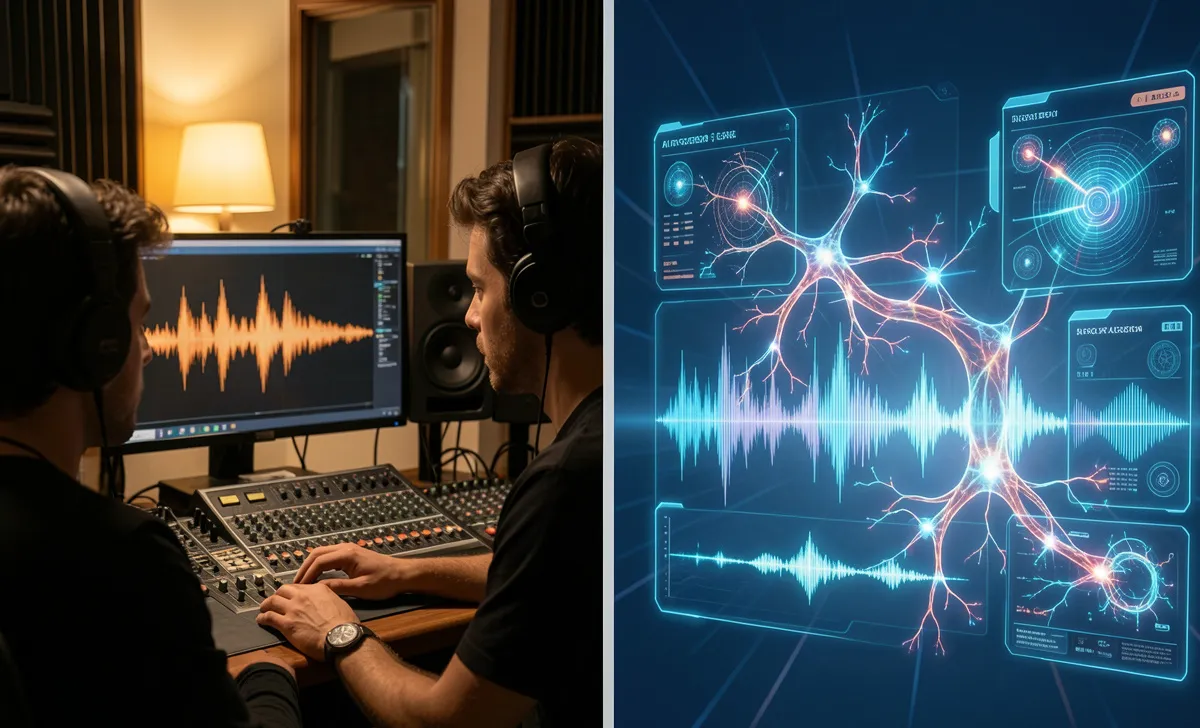
You’re scrolling through your feed when a track drops and sounds incredible—catchy melody, crisp vocals, production that hits just right. But something feels… off. The phrasing is too mathematically precise. The singer never quite breathes right. You’re not imagining it. AI audio tools have gotten dangerously good, and with rising AI voice lawsuit concerns, knowing how to detect AI-generated content isn’t just for producers anymore. It’s for anyone who wants to know what they’re actually listening to or watching.
But when everything sounds professionally mixed, where do you even start looking?
I’ve spent months A/B testing synthetic tracks against real ones, running them through detectors, and listening with headphones until my ears tuned into the subtle giveaways. Here’s what actually works. No fluff. Just practical steps you can use today.
Why AI-Generated Music & Video Are Getting Harder to Spot
A few years back, AI audio sounded like a robot reading lyrics over a cheap drum loop. That’s gone. Current models train on millions of commercial recordings, so they mimic genre conventions, vocal fry, and even studio compression artifacts. The video has followed the same curve. You’re dealing with systems designed specifically to bypass human detection.
The trick isn’t staring at waveforms all day. It’s learning where the machines consistently slip up. They’re great at imitation. They’re terrible at human inconsistency.
7 Clear Signs of AI-Generated Music
You don’t need a degree in audio engineering to catch synthetic tracks. Start listening for these specific tells. Most people notice the vibe is off before they can put a finger on why. When you know the common signs of AI-generated music, you’ll stop guessing and start hearing exactly what’s happening in the mix.
Unnatural vocal vibrato or flat emotional tone
Real singers push and pull their pitch. It’s messy. It’s human. AI vocals usually hit every note dead center, with a vibrato that repeats at the same frequency. If the chorus sounds emotionally identical to the verse, despite the lyrics shifting, you’re likely hearing a synthetic voice. The software doesn’t feel the words. It just predicts them.
Perfect but “soulless” instrumental consistency
Human musicians make micro-adjustments. A drummer might rush the fill slightly. A bassist might lean into a groove. AI-generated stems lock to a rigid grid. Everything sits perfectly in the mix, but it lacks that subtle push-and-pull that makes music breathe. It sounds polished, but completely sterile.
Odd background noise or spectral artifacts
Listen to the empty spaces. Real recordings have room tone, amp hum, or faint finger slides on guitar strings. AI sometimes fills these gaps with digital washes or weird metallic ringing, especially around high frequencies. Put on headphones and sweep through the 8kHz–12kHz range. If it sounds like a faint static hiss that shifts unnaturally, that’s a dead giveaway.
Repetitive lyrical phrasing
AI language models fall back on predictable rhyme schemes. If you notice the same filler words repeating without any conversational variation, it’s likely algorithmic. That’s why it helps to discover music without language barriers when exploring new artists. Human songwriters leave awkward pauses or break grammatical rules for effect. AI plays it safe.
Impossible vocal range without strain
A track that jumps from a low, breathy falsetto to a soaring belt with zero vocal fatigue or technique adjustment? That’s usually a model stitching together its best predictions. Real vocal cords have limits. Software doesn’t.
Unnatural reverb tails
Real rooms decay sound naturally. AI often applies generic reverb that cuts off abruptly or lingers too long without matching the perceived space. Close your eyes. Does the voice sound like it’s in a bedroom, a studio, or nowhere at all?
Copyright or watermark metadata gaps
Check the file details. Legitimate releases usually have ISRC codes, publisher tags, or embedded metadata. AI generators often strip these out or replace them with placeholder strings. It’s not foolproof, but combined with the audio clues, it’s a solid red flag.
How to Spot AI-Generated Video: Beyond Pixel-Peeping
The same principles apply to moving images. You’ve probably noticed those uncanny valley moments in viral clips. The lighting is too even. The reflections don’t match. Here’s where to actually look. If you’re just starting, these AI video detection tips for beginners will save you from falling for polished but entirely synthetic footage.
Context mismatches (urgency + authority cues)
AI struggles with real-world physics and social cues. If a person in the clip delivers urgent news while standing in perfect, flat lighting with zero background noise, pause. Real emergencies are chaotic. The algorithm sanitizes them.
Behavioral cloning tells: unnatural pauses, over-polished delivery
Watch the eyes and mouth. Does the blinking pattern feel rhythmic instead of random? Do the lips sync a fraction of a second late? AI video generators still struggle with micro-expressions. A forced smile that doesn’t reach the eyebrows is almost always synthetic.
Multimodal inconsistencies (audio/video sync drift)
When you watch a clip with the sound on, does the ambient noise match the visual setting? If you see a busy street but hear dead air, or if footsteps don’t align with the pavement texture, the video was likely patched together. These red flags in ai generated video content are much easier to spot when you watch the whole scene, not just the talking head.
Free Tools to Verify AI Content (Tested 2026)
Sometimes your ears and eyes need backup. The detection landscape shifts monthly, but a handful of platforms consistently hold up. You don’t need a paid enterprise plan to get reliable results. You don’t need to pay for enterprise software to get reliable results. Here are the free tools to detect AI music I actually trust in 2026.
AI Music Detectors
Platforms like AudioGuard and SynthCheck run tracks through spectral analysis and compare them against known model fingerprints. They won’t give you a 100% guarantee, but they flag high-probability matches. Upload a 30-second snippet, and you’ll get a breakdown of synthetic vocal probability, instrument generation scores, and mixing artifacts.
Video/Deepfake Scanners
For moving images, browser-based scanners like RealityScan and Deepware focus on facial topology and lighting consistency. They highlight areas where pixel generation broke down. They’re surprisingly accurate on mobile, too. Just paste the URL or upload the file.
Browser extensions & workflow integrations
If you’re a creator or heavy consumer, extensions like VerifAI run in the background. They scan embedded players and flag suspicious content before you even click, perfect when you create shared playlist projects with collaborators. Pair these with a quick manual check, and you’ll filter out most synthetic media in seconds. AI Music Detectors Compared: Suno vs Udio vs Boomy → /ai-music-detectors-compared
Your 60-Second Verification Checklist
Next time something feels off, run through this quick sequence. It’s built for real-world use, not lab conditions.
- Listen to the breaths. Real singers breathe. AI often skips or simulates them poorly.
- Check the emotion arc. Does the vocal intensity match the lyrical content, or does it plateau?
- Scan the edges. Look at hands, text, or background objects in videos. AI still blurs complex details.
- Watch for sync drift. Tap your foot. If the audio/video feels a millisecond apart, it’s likely composite.
- Run a quick tool check. Drop the file into one of the free detectors mentioned above for a second opinion.
Save this. Print it. Keep it next to your monitor. It takes less than a minute, and it’ll save you from sharing something that isn’t real.
Frequently Asked Questions
Can I trust AI detection tools completely?
Not entirely. They’re probability engines, not crystal balls. False positives happen, especially with heavily processed studio tracks. Always combine software results with your own listening and viewing instincts.
What if a real artist uses AI tools in production?
Plenty of professionals use AI for mastering, stem separation, or vocal tuning. The giveaway isn’t the tech itself—it’s how heavily it’s relied on. If the final product sounds completely stripped of human performance quirks, it’s worth double-checking.
Do these methods work for live streams or short-form clips?
Yes. Short clips actually make it harder for AI to hide inconsistencies because there’s less time to smooth out artifacts. Focus on eye movement, lip sync, and background consistency. The tells are usually more obvious in compressed 15-second videos.



