
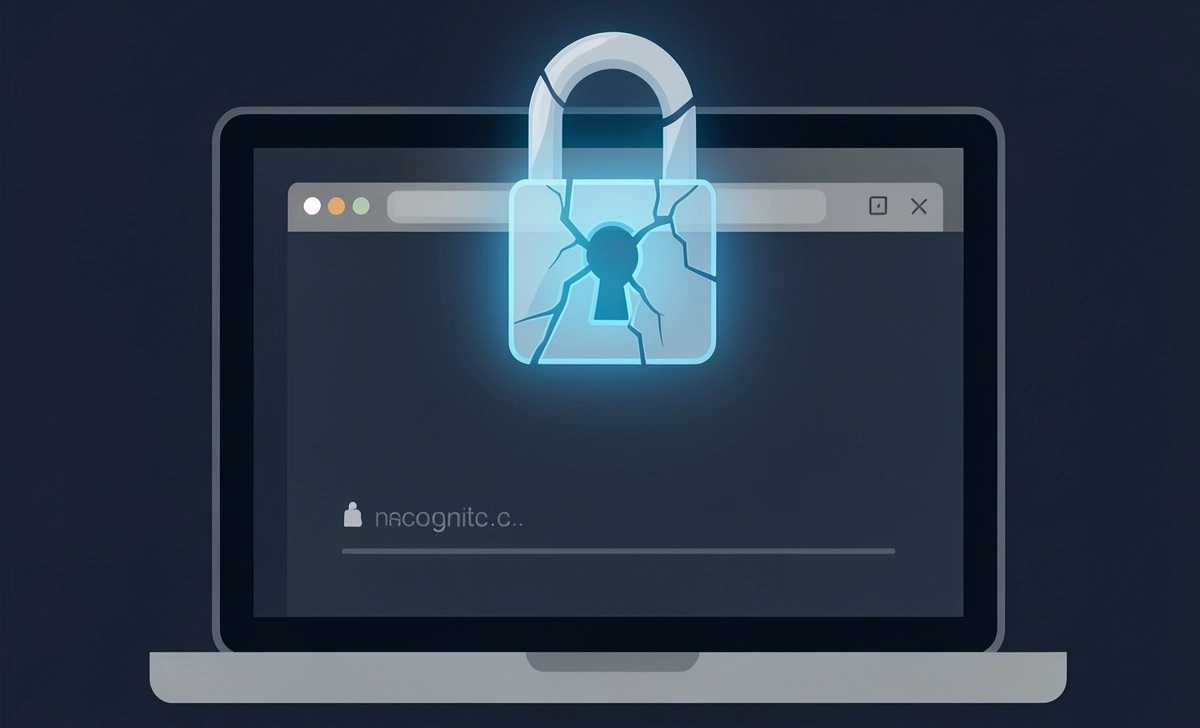
Most people open incognito mode thinking they’ve gone completely off the grid. No history, no cookies, no trace — that’s the assumption. But here’s what most users miss: incognito mode save passwords without any warning, and the browser may even ask you to store them mid-session.
Incognito mode limits what gets stored locally on your device after you close the window. It does not block password managers, disable autofill, or stop browser sync from logging your credentials. The private browsing label creates a false sense of security that doesn’t match what’s actually happening under the hood.
In this guide, you’ll learn what incognito mode really does, why your passwords can still be saved, and how to stay truly private online.
What Is Incognito Mode and How Does It Work?
Incognito mode — called Private Browsing in Firefox and Safari — opens a temporary browsing session that clears itself when you close the window. It was built for local privacy, not online anonymity.
Here’s what it actually does:
- No browsing history stored locally — visited URLs won’t show in your history after the session ends
- No cookies after the session — cookies created during the session are deleted on close
- Temporary session only — form data and cached files from that session are wiped
That’s the full scope of protection. The confusion starts when users expect it to do more than this. According to a 2023 study by the University of Chicago, over 56% of users significantly overestimated what incognito mode protects against, including whether their data breach exposure risk was reduced while browsing privately.
Does Incognito Mode Save Passwords?
Yes — incognito mode can still save your passwords.
This surprises most users, but the browser itself doesn’t automatically disable its password manager when you go incognito. Here’s why:
- Browser prompts to save passwords still appear — Chrome, Edge, and Firefox will still ask “Save password?” during an incognito session
- Autofill systems remain active — saved credentials can still be filled into login forms
- Account sync stays on — if you’re signed into a browser account (like Google), synced passwords apply in incognito too
If you click “Save” on a password prompt during an incognito session in Chrome, that password gets stored permanently in your Google account. The session being “private” does not affect that action.
Why Your Password Can Still Be Saved in Incognito Mode
Browser Password Managers
Chrome, Edge, and Safari all have built-in password managers that operate independently of browsing mode. When you log in during an incognito session, the browser detects the credential entry and offers to save it — just as it would in a normal window.
Chrome saves passwords to your Google Account if sync is enabled. Edge stores them in Microsoft’s password manager. Safari saves to iCloud Keychain. None of these systems pauses for incognito.
Operating System Keychain Storage
Beyond the browser, your operating system has its own credential storage. Windows Credential Manager and macOS Keychain can both store passwords entered in the browser. This happens at the OS level, separate from whether your browser tab was private or not.
Autofill and Sync Features
If your browser is signed in and sync is active, credentials saved in incognito mode travel to every device connected to your account — phone, tablet, laptop. The private session ends; the synced password does not.
What Incognito Mode Does NOT Protect You From
- Saved passwords — browser password managers still function
- ISP tracking — your internet service provider can still see your traffic
- Employer or school monitoring — network-level monitoring sees all activity
- Malware and keyloggers — software on your device operates independently of browser mode
- Website tracking — sites still see your IP address and can build session-based profiles
- Browser extensions — most extensions remain active in incognito unless manually blocked
Common Myths About Incognito Mode
“Incognito means anonymous”
Your IP address is visible to every site you visit. Advertisers, websites, and your ISP can still identify your connection regardless of the browsing mode.
“Nothing is saved anywhere”
Files you download, bookmarks you create, and passwords you save during an incognito session all persist after the window closes.
“Passwords are never stored in private mode.”
This is the biggest myth. Browsers don’t link password saving to browsing mode. The prompt appears, and if you confirm, the password is stored.
[EXPERT INSIGHT] Cybersecurity experts consistently point out that incognito mode was designed for one narrow use case: preventing other people using the same physical device from seeing your browsing history. It was never built to protect against network surveillance, credential storage, or account tracking.
How to Stop Passwords from Being Saved in Incognito
If you want to make sure no passwords are stored during a private session, take these steps:
- Disable password saving in your browser — go to Settings > Passwords and turn off “Offer to save passwords.”
- Turn off autofill — disable autofill for passwords and forms in browser settings
- Use Guest Mode instead — Guest Mode in Chrome is more restrictive; it blocks extensions and prevents any data from being saved to a profile
- Sign out of your browser account — logging out of Google or Microsoft before a session prevents sync from capturing credentials
- Use a standalone password manager manually — tools like Bitwarden or 1Password give you full control over when credentials are saved
Taking these steps closes the gaps that standard incognito mode leaves open.
Is Incognito Mode Safe for Sensitive Activities?
For local privacy — yes, within limits. If you’re on a shared computer and don’t want your search history visible to the next person who opens the browser, incognito handles that well.
For full anonymity — no. Banking on a public network, accessing sensitive accounts, or trying to stay anonymous from your ISP or employer requires more than a private tab. The protection stops at the browser’s local storage. Everything transmitted over the network is fully visible to anyone monitoring that network.
For activities like managing financial accounts or checking sensitive communications, the risk isn’t just browsing history — it’s the full picture of network exposure and credential handling.
Better Alternatives to Incognito Mode
If local privacy isn’t enough for what you need, these tools provide more meaningful protection:
- VPN (Virtual Private Network) — encrypts your traffic and masks your IP address from your ISP and network observers
- Brave Browser — blocks trackers and fingerprinting by default, with stronger privacy defaults than Chrome or Edge
- Tor Browser — routes traffic through multiple nodes, making it significantly harder to trace your identity online
- Private search engines — DuckDuckGo and Startpage don’t log searches or build user profiles
- Hardware security keys — for sensitive accounts, a physical key prevents unauthorized access even if credentials are exposed
Just as protecting your sleep quality involves more than one change — like blocking blue light from devices at the source rather than just dimming your screen — protecting your privacy requires tools that work at the right layer of the problem.
Key Takeaways
- Incognito ≠ invisible — your IP, network activity, and downloads remain traceable
- Passwords can still be saved — browser password managers and OS keystores operate in incognito mode
- Autofill and sync stay active — credentials can travel across devices, even from a “private” session
- True privacy needs extra tools — VPNs, secure browsers, and signed-out sessions offer real protection
- Guest Mode is safer than Incognito for most shared-device scenarios
Final Thoughts
The gap between what incognito mode promises and what it actually does tells you something important about how most people think about online privacy — they trust the label more than the mechanism. Closing a private window feels like wiping a slate. In most cases, the slate was never fully clean to begin with.
Incognito mode hides your tracks from the next person at the keyboard — but it doesn’t lock your doors.



