
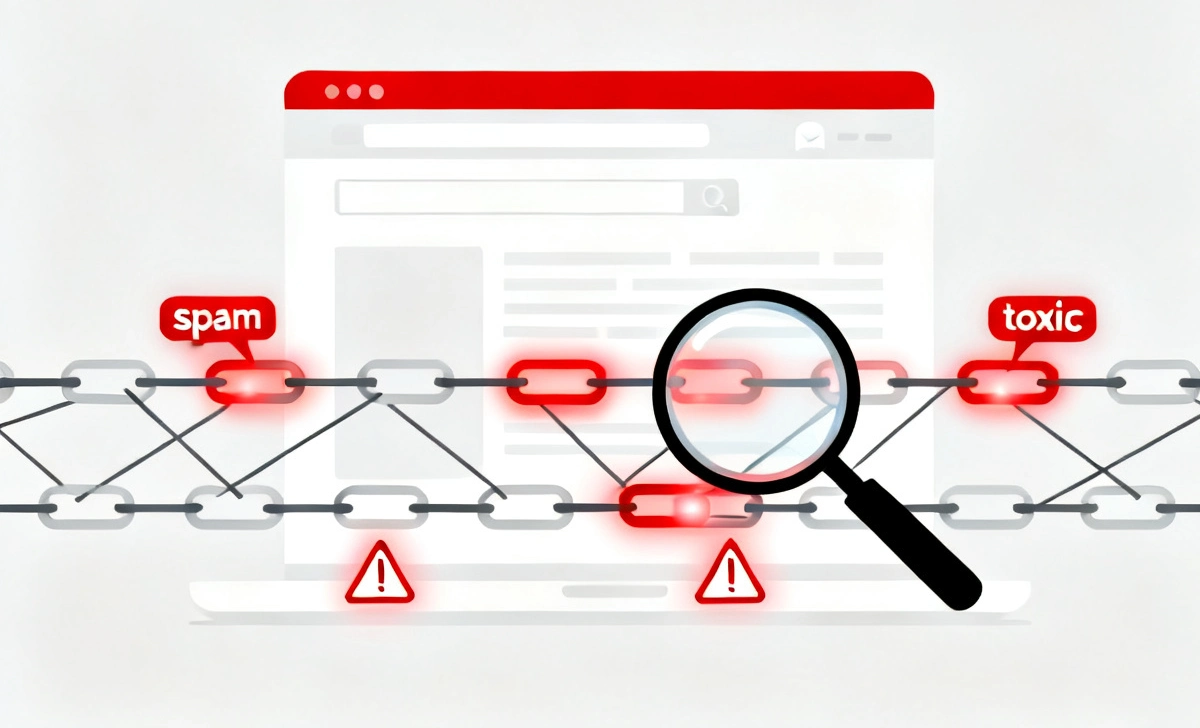
You have been publishing content, building links, and doing everything right — yet one day you log in and your traffic has collapsed overnight. No warning. No clear reason. Just a graph pointing straight down. This is one of the most frustrating experiences any website owner can face, and in most cases, the hidden cause is something many people completely overlook: toxic backlinks.
The problem is that not every link pointing to your website is helping you. Some links are actively working against you. Search engines like Google treat backlinks as votes of trust, but when those votes come from spammy sites, link farms, or hacked pages, they send a very different signal. Instead of boosting your rankings, these bad links quietly drag your domain down — triggering algorithm penalties, lowering your authority score, and pushing your pages off the first page of results. A sudden drop in traffic is often the first visible sign that your backlink profile has been compromised.
This Toxic Backlinks Removal Guide will walk you through everything step by step — how to audit your link profile, identify harmful domains, contact webmasters for manual removal, and safely use the Google Disavow Tool without making costly mistakes. Whether you are recovering from a penalty or protecting your site before one hits, this guide covers everything you need.
What Are Toxic Backlinks?
Toxic backlinks are links that come from spammy, low-quality, or irrelevant websites that violate search engine guidelines. These links often originate from link farms, hacked websites, Private Blog Networks (PBNs), or paid link schemes designed to manipulate rankings artificially.
Unlike high-quality backlinks — which come from authoritative, relevant websites and help your pages rank — toxic backlinks do the opposite. They associate your domain with low-trust sources, which can lead to both algorithmic ranking drops and manual penalties from Google’s spam team.
Common sources of toxic backlinks include casino and gambling spam sites, foreign-language link directories, scraped content websites, and comment spam on unrelated blogs. In many cases, you may not have even asked for these links — competitors can also point bad links at your site in what is known as a negative SEO attack.
Why Do Toxic Backlinks Hurt SEO?
Search engines use backlinks as one of the most important ranking signals. A link from a trusted, high-authority website tells Google that your content is valuable. But a link from a spammy website sends the opposite message — it tells Google that something unnatural may be going on with your link profile.
Toxic backlinks can cause the following problems:
- Trigger manual penalties from Google’s spam reviewers
- Lower your Domain Authority and Trust Flow scores
- Reduce your keyword rankings across multiple pages
- Cause a sudden and unexplained loss of organic traffic
- Make it harder to recover, even after publishing great content
According to Ahrefs (2024), websites with unnatural link profiles are three times more likely to lose rankings after major algorithm updates. This is why monitoring your backlink profile regularly is not optional — it is essential.
How to Identify Toxic Backlinks
Key Signs of Toxic Links
When reviewing your backlink profile, look for these warning signs:
- Links coming from websites in completely unrelated niches
- Referring domains with very low monthly traffic (under 100 visitors)
- Domains with a high spam score in tools like Moz or SEMrush
- Anchor text that contains unrelated or suspicious keywords such as “cheap pills,” “buy followers,” or adult terms
- Links from known Private Blog Networks (PBNs)
- Sites that have no original content and exist only to host links
Quick Audit Checklist
Use this checklist when evaluating individual referring domains:
- Domain Rating (DR) below 10
- Foreign language spam directories with no organic traffic
- Pages with more than 100 outbound links on a single post
- No indexing in Google or very thin, copied content
- Domains registered recently with no clear purpose or niche
Tools to Audit Backlinks
To properly audit your backlink profile, you need reliable SEO tools that give you detailed data on every domain linking to your site.
Best SEO Tools in 2026
- Ahrefs — The most comprehensive backlink database. Shows Domain Rating, anchor text, referring page traffic, and link history.
- SEMrush — Includes a Backlink Toxicity Score and a built-in Backlink Audit tool that flags harmful links automatically.
- Google Search Console — Free and directly from Google. Shows all links Google has discovered pointing to your site.
- Moz Link Explorer — Provides Spam Score metrics that are useful for quick filtering.
These tools help you see referring domains, anchor text distribution, toxicity scores, and the ratio of lost vs. gained links over time. Using two tools together gives you a more complete and accurate picture of your link profile.
How to Remove Toxic Backlinks (Step-by-Step)
Step 1: Export Your Backlink List
Log in to your chosen SEO tool (Ahrefs or SEMrush recommended) and export your full backlink list as a CSV file. Make sure to include referring domain data, anchor text, Domain Rating, and traffic estimates for each linking page.
Step 2: Identify Toxic Domains
Filter the exported list using the spam signals covered above. Focus on domains with very low authority, unrelated niches, or suspicious anchor text. Create a separate list of domains you want removed.
Step 3: Contact Website Owners
Find the contact information for each website — either from their contact page or by using a WHOIS lookup. Send a polite email requesting link removal. Your message should include:
- The exact URL of the page containing the link
- The URL of your page being linked to
- A clear and polite request to remove the link
- Your contact information for follow-up
Step 4: Track Your Responses
Keep a spreadsheet tracking which domains you contacted, when you sent the email, and whether you received a response. Wait 5 to 7 business days before moving on to the next step. Some webmasters respond quickly; others do not respond at all.
How to Use Google Disavow Tool Safely
If manual removal attempts fail, you can use Google’s Disavow Tool to tell Google to ignore specific links when evaluating your site.
Steps to Use the Disavow Tool:
- Create a plain text file (.txt format)
- Add each toxic domain in this format:
domain:spamwebsite.com - Go to Google Search Console and navigate to the Disavow Links tool
- Upload your .txt file and submit
Important Warning: Only disavow links you are 100% certain are harmful. According to Google’s own guidelines, misusing the disavow tool — such as disavowing legitimate backlinks by mistake — can hurt your rankings further. Use it as a last resort, not a first step.
Common Mistakes to Avoid
- Disavowing good backlinks because they look unfamiliar
- Ignoring anchor text patterns that signal manipulation
- Removing links without first doing a full analysis
- Overusing the disavow tool on links that are not actually harmful
- Waiting too long after noticing a traffic drop to take action
- Failing to document your outreach and disavow decisions
How to Structure a Blog Post for Featured Snippets
Ranking number one in search results is valuable. But appearing in the featured snippet — the boxed answer at the very top of the page — can double or even triple your click-through rate. Structuring your content the right way is the key to capturing these positions.
What Is a Featured Snippet?
A featured snippet is a selected search result that Google displays at the top of the results page, above the regular organic listings. It provides a direct answer to a query and usually includes the page title, URL, and a short excerpt of content.
Proven Structure for Snippet Optimization
- Answer First (40–60 Words)
Place a clear, direct answer immediately beneath each heading. Google pulls snippet content from paragraphs that answer the heading question in a concise and complete way. - Use Question-Based Headings
Format your H2 and H3 headings as questions your audience is searching for. Examples: “What are toxic backlinks?” or “How do I remove a bad backlink?” - Use Lists and Tables
Google frequently pulls list and table content for featured snippets. Use numbered steps for processes and bullet points for features, benefits, or comparisons. - Optimize for Target Keywords
Include your primary keyword in the H2 heading and use related keywords naturally in the paragraph that follows. - Keep Language Simple and Direct
Write short sentences. Avoid jargon. Get to the point immediately. Google rewards content that is easy to understand and directly answers the user’s query.
According to Ahrefs (2025), paragraph-style snippets appear in approximately 70% of all featured snippet results, followed by list-based snippets. Structuring at least one section of every article to answer a direct question in 50 words or fewer significantly increases your chances of being selected.
Key Takeaways
- Toxic backlinks can destroy rankings quickly — even without a manual penalty
- Use tools like Ahrefs, SEMrush, and Google Search Console for regular audits
- Always attempt manual removal before using the disavow tool
- Use the disavow tool carefully and only on links you are certain are harmful
- Structure your content with question-based headings and direct answers to capture featured snippets
Final Thoughts
SEO is not just about building links — it is about building the right links. One bad backlink from a spammy source can quietly undo months of hard work, while one well-structured piece of content can earn a featured snippet and consistently drive traffic for years.
The most successful websites in 2026 are not just focused on gaining new links — they are actively monitoring and cleaning up the ones they already have. Make backlink auditing a regular part of your SEO routine, respond quickly when you spot red flags, and you will protect your rankings far more effectively than most of your competitors.
Start your audit today. The earlier you catch a toxic link problem, the easier it is to fix — and the faster your rankings will recover.



