
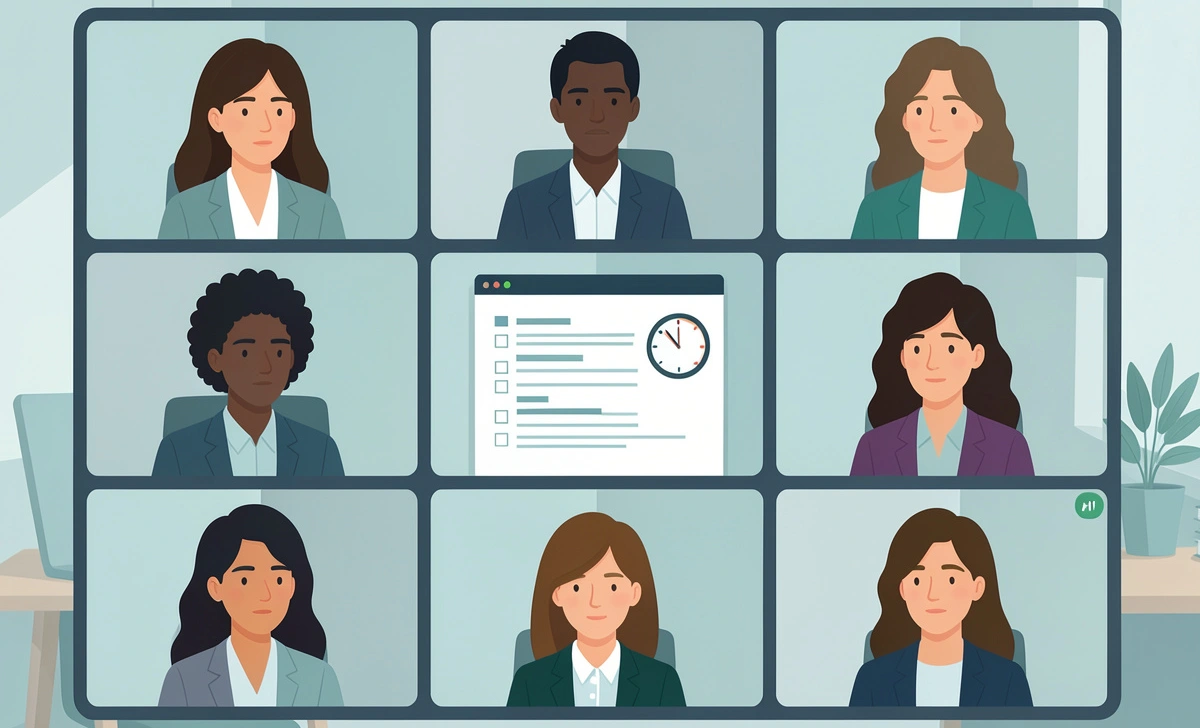
A 2025 Microsoft Work Trend report found that employees spend nearly 57% of their workday in meetings, chats, and emails instead of doing focused work. Remote meetings often run late because nobody owns the agenda or manages time properly. Without a clear remote work policy, even well-intentioned teams fall into the trap of endless calls with no real outcomes.
Running productive remote team meetings can help teams move faster, solve problems, and stay aligned. But without structure, they become long video calls with little action. In this guide, you will learn how to run a remote team meeting that stays focused, ends on time, and gives every participant a clear next step.
Why Most Remote Meetings Fail
Most remote meetings fail because they lack structure. People join without knowing the goal, expected outcome, or decision needed.
A Harvard Business Review survey found that 71% of senior managers said meetings are unproductive and inefficient. Remote work added more challenges, including distractions, lagging conversations, and multitasking.
Common problems include:
- No clear agenda was sent in advance
- Too many attendees with no defined role
- Discussions are going completely off-topic
- Late starts that disrupt the entire schedule
- No action items were assigned at the end
- Meetings scheduled without a clear purpose
The result is wasted time, lower team focus, and a growing frustration among employees who feel their hours are being spent unproductively.
What Makes a Remote Meeting Productive?
A productive remote meeting has one simple goal: to solve a problem or make a decision quickly.
The best managers focus on three things:
| Factor | Why It Matters |
|---|---|
| Clear agenda | Keeps discussion focused and on track |
| Time limits | Prevents rambling and scope creep |
| Action items | Creates accountability after the call |
Jeff Bezos once said that if a meeting has more than 10 people, it is probably too large. That idea applies strongly to remote teams. Smaller meetings create faster decisions and more meaningful conversations.
A productive meeting should always end with clear next steps, assigned owners, firm deadlines, and written notes shared with the team.
How to Prepare Before the Meeting
Set a Clear Goal
Every meeting should answer one question before it begins: What decision or outcome do we need by the end?
A vague meeting goal like “weekly team sync” gives people no direction. A specific goal like “decide the Q3 launch timeline and assign owner” tells everyone exactly what they are there to accomplish. Specific goals reduce confusion, shorten discussions, and make it easier to measure whether the meeting was successful.
Create a Time-Boxed Agenda
Time-boxing means assigning a fixed number of minutes to each agenda item before the meeting starts. This method prevents one topic from taking over the entire session.
Here is a simple example of a time-boxed agenda:
| Agenda Item | Time |
|---|---|
| Project updates | 10 min |
| Launch blockers | 15 min |
| Budget approval | 10 min |
| Action items review | 5 min |
Google managers often use short meeting blocks because shorter meetings increase urgency and sharpen attention. When people know a topic has only 10 minutes, they get to the point faster.
Invite Only the Right People
One of the most damaging habits in remote work is inviting everyone “just in case.” This inflates attendance, slows down decision-making, and wastes time for people who have no real stake in the meeting.
A better approach is to think about who truly belongs in the room. Decision makers must attend. Contributors can join only the sections that are relevant to their work. Everyone else can receive the meeting notes afterward.
Amazon’s famous “two-pizza rule” suggests that meetings should stay small enough to be fed with two pizzas. The same logic applies to remote calls. Fewer participants mean faster conversations and cleaner decisions.
How to Run the Meeting Efficiently
Start on Time, Every Time
Starting late trains people to arrive late. If your meeting starts at 10:00 AM, begin at 10:00 AM exactly. Do not wait for late attendees. Announce this policy to your team ahead of time so everyone understands the expectation.
This creates a culture of accountability and genuine respect for everyone’s schedule.
Use the “Parking Lot” Method
Remote meetings often drift into unrelated topics. The parking lot method is a simple technique that keeps meetings on track without dismissing valuable ideas.
A parking lot is just a list, maintained in a shared document or whiteboard, where off-topic comments get placed for later review. For example, if the current topic is a product launch and someone raises a concern about the hiring process, the facilitator places it in the parking lot and moves on. Nothing is ignored, but nothing derails the meeting either.
Assign Roles During the Meeting
Strong remote meetings work because someone is always responsible for keeping things moving. Before the meeting starts, assign these key roles:
| Role | Responsibility |
|---|---|
| Facilitator | Guides the discussion and keeps time |
| Timekeeper | Watches the clock and signals transitions |
| Note-taker | Records decisions, action items, and key points |
| Participants | Share updates, ask questions, give feedback |
The facilitator plays the most critical role. They should actively redirect long conversations, cut off repetitive points, and keep the group focused on the stated goal.
Keep Discussions Short and Focused
A simple rule helps here: one topic, one decision, move on. If a discussion needs deeper analysis or involves people who are not in the meeting, schedule a separate, smaller call with the right people.
According to Atlassian research, employees attend an average of 62 meetings per month, but nearly half of those meetings provide little value. Shorter discussions with clear goals improve engagement and reduce the fatigue that comes from back-to-back video calls.
How to Prioritize What Gets Meeting Time
Not everything deserves a spot on the agenda. One of the most overlooked skills in remote work is knowing what actually needs a meeting versus what can be handled asynchronously through a message or document.
To make better decisions about this, it helps to prioritize tasks based on urgency and impact before scheduling any discussion. If a topic can be resolved with a two-sentence message, it does not belong in a 30-minute call. Reserve your meeting time for decisions that genuinely require real-time conversation, back-and-forth debate, or collaborative problem-solving.
This approach saves hours every week and gives your team more time for focused, uninterrupted work.
Best Remote Meeting Agenda Template
Here is a simple agenda template that managers can reuse every week. It works because it creates a predictable flow and leaves no room for ambiguity about what is expected.
| Section | Time |
|---|---|
| Welcome and objective statement | 2 min |
| Team updates | 10 min |
| Main discussion topic | 15 min |
| Decisions made and confirmed | 5 min |
| Action items and deadlines assigned | 5 min |
| Final questions | 3 min |
Total meeting time: 40 minutes
This structure keeps meetings tight, respects everyone’s time, and ensures the meeting ends with something concrete rather than vague next steps.
Tools That Improve Remote Meetings
Several tools help distributed teams stay organized and focused during virtual meetings.
Video Meeting Platforms: Zoom, Microsoft Teams, and Google Meet remain the most widely used platforms for remote calls. Each offers screen sharing, breakout rooms, and recording features that make collaboration easier.
Collaboration Tools: Notion, Atlassian Confluence, and Miro help teams manage agendas, capture notes, and work visually on shared problems before, during, and after meetings.
Time Management Tools: Simple timer apps, shared agenda documents, and AI meeting summary tools reduce the administrative burden after calls. Many teams now use AI note-taking assistants that automatically generate summaries and extract action items.
Common Remote Meeting Mistakes to Avoid
Talking Without an Agenda
Meetings without agendas almost always become status updates with no outcome. Always send the agenda to attendees at least 24 hours before the meeting starts. This gives people time to prepare their input and removes the need for repeated explanations at the start of the call.
Scheduling Meetings Too Long
A 60-minute meeting rarely needs 60 minutes. When you schedule a full hour, people fill it. Instead, try 25-minute meetings, 40-minute meetings, or 50-minute blocks. Shorter time frames force better prioritization and keep energy levels high throughout the call.
Ignoring Camera and Video Fatigue
Back-to-back video calls significantly reduce attention and cognitive performance. A Stanford University study described this phenomenon as “Zoom fatigue,” caused by constant close-up eye contact, reduced physical mobility, and the mental effort of monitoring your own appearance on screen.
Simple solutions include scheduling audio-only check-ins when visuals are not necessary, building meeting-free blocks into the workday, and keeping calls shorter by default.
Ending Without Action Items
A meeting without action items creates repeated discussions later. Before ending any meeting, take two minutes to confirm who owns each task, what the deadline is, and what a successful outcome looks like. Write these down and share them immediately after the call.
What High-Performing Managers Do Differently
Top managers treat meetings like projects, not casual conversations. They invest time in preparation, set clear expectations in advance, and hold people accountable to the outcomes of every discussion.
Specifically, high-performing remote managers share agendas early, end discussions firmly when they go over time, track decisions in a central document, remove unnecessary attendees proactively, and follow up consistently after every call.
Productivity expert Cal Newport argues that constant meetings destroy the “deep work” time that produces the most valuable output. High-performing leaders protect their team’s focus by limiting unnecessary calls and using asynchronous communication whenever possible. They understand that a meeting saved is not just time saved. It is creative energy preserved.
One lesser-known strategy that successful remote teams use is called the “silent start.” Participants spend the first two minutes of a meeting reading the agenda quietly before any discussion begins. This approach reduces repeated explanations, gives introverted team members time to formulate their thoughts, and dramatically improves alignment from the very first minute.
Teams that adopt this habit consistently report shorter, more productive meetings because everyone arrives mentally prepared rather than still catching up as the conversation unfolds.
What Productive Meetings Mean for Your Business
Running tighter, more focused meetings is not just a productivity habit. It is a business decision with real financial consequences. When your team spends less time in unproductive calls, they have more time for the work that actually drives results.
This is especially important for businesses trying to reduce operational costs without cutting staff. Meeting inefficiency is one of the most overlooked drains on organizational resources. Reclaiming even five hours per employee per week through better meeting habits can translate into significant productivity gains across the entire company.
The math is straightforward. Fewer wasted meetings mean more focused work hours, better output, and a stronger bottom line.
Final Thoughts
What productive remote meetings teach us is simple: structure creates speed. Teams do better work when meetings stay focused, purposeful, and predictable.
The best remote managers do not run longer meetings. They run clearer ones. They invest a few minutes in preparation so that their teams never have to waste an hour figuring out what a meeting was supposed to accomplish.
Start with a clear goal. Build a time-boxed agenda. Invite only the people who need to be there. Assign roles, protect the agenda, and always end with written action items. Do this consistently, and your team will not just attend better meetings. They will do better work because of them.



