
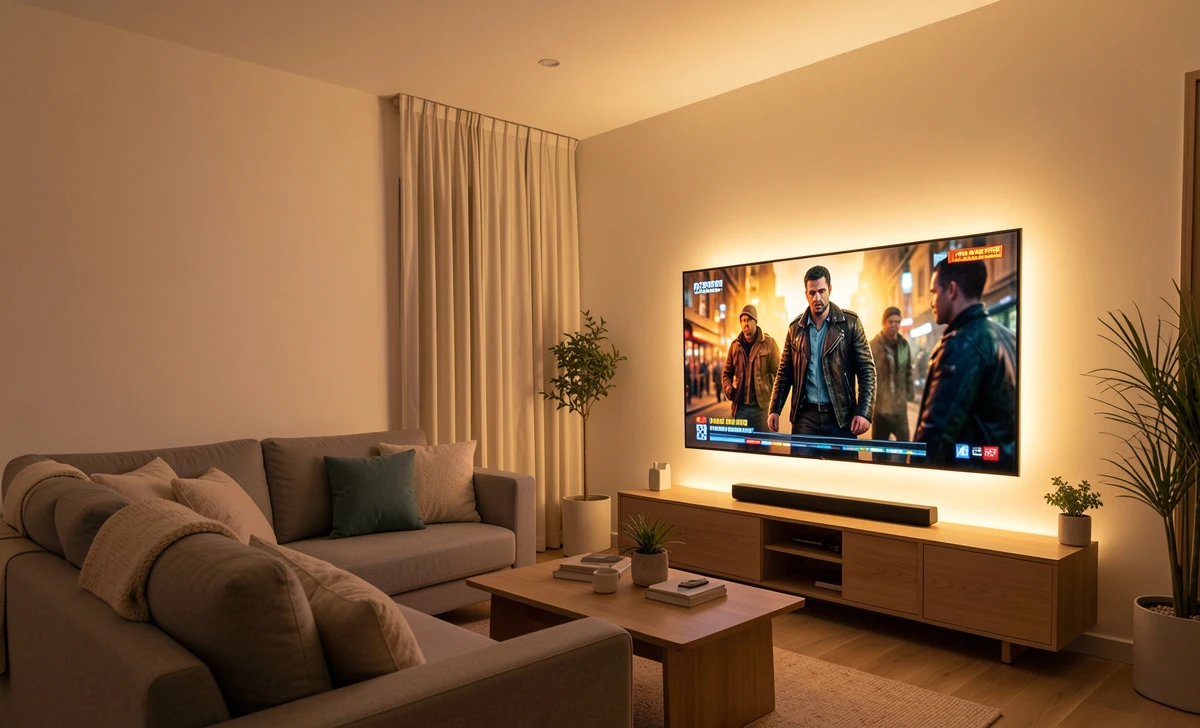
Most people spend more than they need to. According to a 2024 Consumer Electronics Association report, the average US household spends over $1,200 on home entertainment hardware every three years — much of it on features they rarely use.
Marketing pushes 8K resolution, Dolby Atmos, and OLED panels as must-haves. In reality, a budget home entertainment setup — a 55-inch 4K LED TV paired with an $80 soundbar — delivers a viewing experience most people cannot distinguish from a $3,000 OLED setup at normal living room distances. The gap between “budget” and “premium” has narrowed sharply since 2022.
In this guide, you’ll learn how to build a home entertainment setup on a budget, choose the right devices, avoid overspending, and create a system that works for your space and lifestyle.
Why Do Most People Overspend on Home Entertainment Systems?
Marketing vs Real Needs
TV brands use spec sheets to justify high prices — 120Hz panels, AI upscaling, quantum dots. But most streaming content is delivered at 1080p or 4K/SDR, where these features add little visible difference. RTINGS.com consistently shows that mid-range TVs in the $300–$500 range score nearly identically to $1,500 models on real-world picture quality tests.
The Biggest Budget Mistakes Buyers Make
- Buying a TV larger than the room needs (65-inch in a 10-foot room causes eye strain)
- Purchasing a soundbar and a streaming stick when the TV already has apps built in
- Subscribing to 4–5 streaming services simultaneously instead of rotating them
The smarter move: find movies and shows you’ll actually watch before locking into multiple subscriptions.
What Do You Actually Need in a Home Entertainment Setup?
Choosing the Right TV Size for Your Room
RTINGS recommends a viewing distance of 1.5 to 2.5 times the screen’s diagonal for 4K content. For a 10-foot viewing distance, a 55-inch TV is the practical ceiling. Going larger does not improve the experience — it creates an uncomfortable field of view.
| Room Size | Recommended TV Size | Ideal Viewing Distance |
|---|---|---|
| Small (under 120 sq ft) | 40–50 inch | 6–8 feet |
| Medium (120–200 sq ft) | 55–65 inch | 8–12 feet |
| Large (200+ sq ft) | 65–75 inch | 12–15 feet |
Speakers vs Soundbars: Which Is Better?
A 2.0 stereo soundbar in the $80–$150 range outperforms built-in TV speakers by a wide margin. Dedicated bookshelf speakers require an amplifier, which adds cost and complexity. For most living rooms under 200 square feet, a soundbar is the better budget call.
Brands like Vizio and TCL offer soundbars with HDMI ARC support under $100 that pair cleanly with budget TVs.
Do You Really Need a Gaming Console or Streaming Box?
If your TV runs Android TV or Tizen (Samsung), a separate streaming stick is redundant. Only add a streaming device — like a Chromecast with Google TV or a Roku Streaming Stick 4K — if your TV’s built-in interface is slow or stops receiving updates. A $50 streaming stick extends a smart TV’s usable life by 3–5 years.
How to Build a Home Entertainment Setup on a Budget
Step 1: Set a Realistic Budget
Decide your total spend before browsing. Three tiers work for most households:
- Under $500: TV + soundbar + one streaming service
- Under $1,000: TV + soundbar + streaming stick + cable management + basic seating upgrade
- $1,000–$1,500: Adds a subwoofer, better lighting, and a streaming device with voice control
Step 2: Buy Devices in the Right Order
Buy the TV first. Everything else — soundbar, cables, streaming device — should be chosen to match it. Buying a premium soundbar before picking a TV often leads to compatibility issues with HDMI ARC or optical audio ports.
Step 3: Focus on Audio Before Expensive Extras
Audio quality affects perceived enjoyment more than picture quality in most studies. A viewer with a $400 TV and a $120 soundbar reports higher satisfaction than one with a $900 TV and no external speakers. Spend at least 20–25% of your total budget on audio.
Step 4: Use Free and Low-Cost Streaming Services
Paid streaming is not the only option. Pluto TV, Tubi, and Peacock’s free tier offer thousands of hours of content at no cost. Rotating between paid services monthly — rather than subscribing to all simultaneously — cuts annual streaming costs by $150–$300 for most households.
Once your setup is running, it also helps to organize what you’re watching. If you follow an ongoing series, a simple approach to tracking complex TV shows weekly prevents you from losing momentum or paying for a service longer than needed.
Best Budget Devices for a Home Entertainment Setup in 2026
Best Budget TVs
| Model | Size | Price (2026 est.) | Key Feature |
|---|---|---|---|
| TCL 4-Series | 55 inch | ~$280 | Roku built-in, 4K HDR |
| Hisense A6 | 55 inch | ~$300 | Google TV, Dolby Vision |
| Amazon Fire TV Omni | 50 inch | ~$320 | Alexa built-in, ARC support |
CNET’s 2025 budget TV roundup named the TCL 4-Series the top pick under $300, citing its accurate color and low input lag for casual gaming.
Best Budget Speakers and Soundbars
- Vizio V21-H8 (2.1 system, ~$120): Includes wireless subwoofer, HDMI ARC
- TCL Alto 6+ (~$80): Compact, Roku TV compatible, clean dialogue reproduction
- Polk Audio Monitor XT15 bookshelf speakers (~$150/pair): Require a separate amp but offer noticeably richer audio than any soundbar in this price range
Avoid This Purchase: Skip “5.1 surround sound in a box” kits under $200. These bundles use plastic satellite speakers with paper-thin drivers that distort at moderate volume. You’re paying for channel count, not audio quality.
Best Cheap Streaming Devices
- Roku Streaming Stick 4K (~$40): Best interface simplicity, no subscription required
- Chromecast with Google TV HD (~$30): Works well if you already use Google services
- Amazon Fire TV Stick 4K Max (~$55): Best for Prime Video users, solid app library
Affordable Home Theater Ideas for Small Rooms
Space-Saving Setup Tips
Wall-mounting a TV frees floor space and eliminates the need for a dedicated TV stand. A full-motion wall mount costs $25–$60 and works with any VESA-standard TV. Running cables through a cable raceway (under $20) keeps the area clean without in-wall wiring.
For small rooms under 150 square feet, a 50-inch TV at 7–8 feet produces a more comfortable experience than a 65-inch at the same distance.
Lighting and Seating on a Budget
Bias lighting behind the TV — an LED strip attached to the back of the panel — reduces eye strain during dark scenes and costs under $20. Govee and Philips both make TV bias strips that sync with on-screen content for under $35.
Seating matters more than most buyers realize. A $200 recliner from a warehouse store will be used daily; a $2,000 leather sectional won’t improve what you watch. Prioritize lumbar support over aesthetics.
Common Mistakes That Waste Money
Buying Features You Never Use
8K TVs have almost no native 8K content available in 2026. The same applies to 144Hz refresh rates — useful only for competitive PC gaming, irrelevant for streaming or console gaming at 60fps. These specs add $400–$800 to a TV’s price with no visible return for the average viewer.
Ignoring Compatibility Between Devices
An HDMI 2.1 cable is only necessary if both your TV and source device support 4K/120fps, which most budget TVs do not. Buying expensive HDMI cables for a setup that tops out at 4K/60fps wastes money. Standard HDMI 2.0 cables handle everything a budget system requires.
What Is the Best Budget Entertainment System for Most People?
Recommended Setup Under $500
- TCL 55-inch 4-Series (~$280)
- TCL Alto 6+ Soundbar (~$80)
- Roku Streaming Stick 4K (~$40) — optional if TV has Roku built-in
- LED bias light strip (~$20)
- Total: ~$420
Recommended Setup Under $1,000
- Hisense 65-inch U6 Series (~$450)
- Vizio V21-H8 2.1 Soundbar (~$120)
- Chromecast with Google TV 4K (~$50)
- Full-motion wall mount (~$40)
- Cable raceway kit (~$20)
- Total: ~$680 — leaving room for a streaming subscription or furniture upgrade
Key Takeaways for Building a Budget Entertainment Setup
- Match TV size to viewing distance, not room size
- Spend 20–25% of your total budget on audio — it improves perceived quality more than any display upgrade
- Built-in smart TV apps often remove the need for a separate streaming device
- Rotate streaming subscriptions instead of running four simultaneously
- Skip 8K, 144Hz, and “surround in a box” kits at the budget level
Final Thoughts
Building a home entertainment setup on a budget is less about finding cheap products and more about understanding which specs actually matter for your use case. The consumer electronics market is designed to make last year’s “good enough” feel obsolete — it rarely is.
Before buying anything, ask one question: Will I notice this feature during a normal two-hour movie? If the answer is no, the money is better spent on audio, better seating, or — for the people who actually use it — a virtual watch party setup that makes the whole system more social and worthwhile.



