
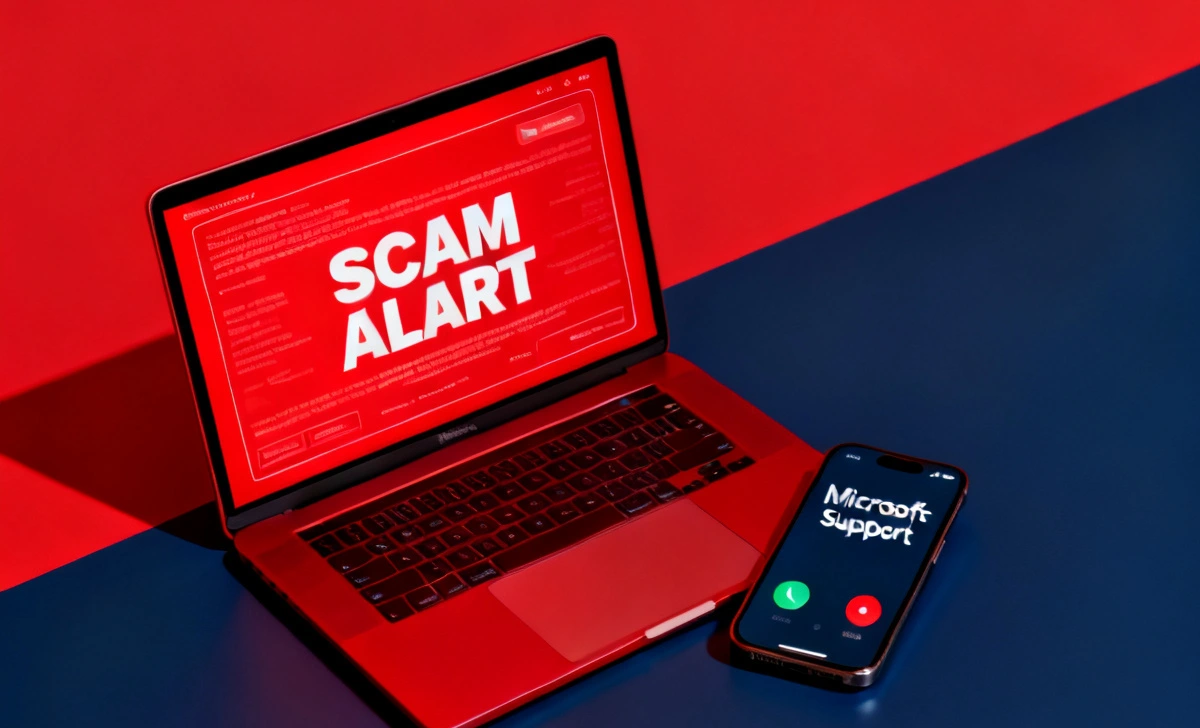
Americans lost over $924 million to fake tech support scams in a single year, according to the FTC — and that number continues to climb. Scammers have become so sophisticated that their fake pop-ups are nearly indistinguishable from real Windows or macOS alerts. Every year, millions of people fall victim to these deceptive schemes before they even realize what is happening.
A tech support scam is a fraud where criminals pretend to be from companies like Microsoft, Apple, or Google to trick you into paying for fake “fixes.” These scams are especially dangerous because they exploit fear and urgency — two emotions that cloud clear thinking.
In this guide, you’ll learn how to recognize fake tech support scam calls and pop-ups, avoid common traps, and protect your personal data.
What Is a Fake Tech Support Scam?
A fake tech support scam is a type of cybercrime where fraudsters impersonate legitimate technology companies to steal money or sensitive information. They typically contact victims through unsolicited phone calls, alarming browser pop-ups, or misleading search ads.
For example, a scammer might call pretending to be a “Microsoft Security Specialist,” claiming your computer is sending error reports. Another common scenario involves a full-screen pop-up claiming your device is infected and urging you to call a toll-free number immediately.
These scams have affected millions globally. The FBI’s Internet Crime Complaint Center (IC3) reports tech support fraud among the top five most costly cybercrimes each year.
How Do Tech Support Scams Work in 2026?
Fake Calls from “Microsoft” or “Apple”
Scammers cold-call victims using spoofed numbers that look like they belong to Microsoft, Apple, or your internet provider. They claim your account has been compromised or your device is sending malware alerts to their servers. Once they have your trust, they ask for remote access to “fix” the issue — and that’s when the real damage begins.
Browser Pop-Ups and Fake Virus Alerts
A common trick involves injecting a fake alert into your browser that fills your entire screen and plays a loud warning sound. One lesser-known technique scammers use is triggering browser full-screen mode (F11) to make the pop-up look like an actual system alert — not a webpage. This trick even tricks experienced users into thinking their operating system has been compromised.
AI Voice and Deepfake Scams
In 2026, AI-generated voice cloning has made scam calls far more convincing. Fraudsters now use deepfake audio to mimic the voices of real tech support agents or even family members. To understand how to identify deepfake video on a phone, it’s important to learn the telltale signs of AI-generated media. These tools have dramatically lowered the barrier for launching high-quality scam operations.
What Are the Warning Signs of a Tech Support Scam?
Knowing the red flags can save you from becoming a victim. Watch out for these warning signs:
- Unsolicited contact — Legitimate companies like Microsoft or Apple will never call you without prior request.
- Urgent threats — Phrases like “Your computer will be disabled in 24 hours” are classic scare tactics.
- Requests for remote access — No real tech company needs remote access to your device without your explicit, verified consent.
- Payment via gift cards or cryptocurrency — Real businesses never ask for payment in iTunes cards, Google Play cards, or crypto.
- Fake caller IDs — Scammers spoof official-looking numbers to appear trustworthy.
- Pressure to act immediately — Urgency is designed to prevent you from thinking clearly or verifying the claim.
- Requests for your login credentials — Legitimate support agents never need your password.
How to Identify a Fake Pop-Up or Virus Alert
Signs It’s Not Legit
Fake pop-ups are designed to look like system notifications, but they always have giveaways. The pop-up appears suddenly while browsing and cannot be easily closed. It contains a phone number — real Windows or macOS alerts never include a call-to-action phone number.
Other signs include poor grammar, generic logos, or URLs in the browser bar that do not belong to Microsoft or Apple. Real system alerts come from your operating system, not your browser.
Real vs Fake Examples
A real Windows Defender alert shows up in your system tray and does not ask you to call anyone. A fake pop-up fills your browser screen, plays an audio warning, and displays a phone number to call “immediately.”
A real Apple security notification arrives through official Settings or the App Store — never through a random website. If a webpage is telling you that your iPhone is infected, it is a scam, without exception.
What Should You Do If You Receive a Scam Call or Pop-Up?
Immediate Actions to Take
- Close the browser tab or window immediately — use Task Manager (Ctrl+Alt+Delete) if the page won’t close.
- Do not call the number displayed on the pop-up under any circumstances.
- Run a legitimate antivirus scan using software you already trust (e.g., Windows Defender or Malwarebytes).
- Report the incident to the FTC at reportfraud.ftc.gov or your country’s equivalent authority.
What NOT to Do
Do not give anyone remote access to your computer based on an unsolicited call or pop-up. Never provide credit card information, bank details, or gift card codes. Do not download any software the caller recommends — it is almost certainly spyware or ransomware.
How to Protect Yourself from Tech Support Scams
Security Tools and Settings
Keep your operating system and browser updated at all times, as patches close the vulnerabilities scammers exploit. Enable a reputable ad blocker (such as uBlock Origin) to prevent malicious ads from triggering fake pop-ups. Use multi-factor authentication (MFA) on all important accounts so that even if credentials are stolen, attackers cannot gain access easily.
Safe Browsing Habits
Never search for tech support numbers through a search engine — scammers buy ads to rank above legitimate results. Always navigate directly to a company’s official website or use contact details printed on your product packaging. Cybersecurity expert Brian Krebs advises: “When in doubt, hang up and call the company directly using a number from their official website.”
What Happens If You Fall for a Tech Support Scam?
The consequences can be severe. Victims often face financial losses, with the average payout to scammers ranging from $200 to over $1,000. More seriously, scammers who gain remote access can install keyloggers, steal passwords, or deploy ransomware that locks your entire system.
If you’ve been scammed, take these recovery steps immediately:
- Disconnect from the internet and revoke any remote access sessions.
- Change all passwords from a clean, unaffected device.
- Contact your bank or credit card company to dispute unauthorized charges.
- Run a full malware scan using trusted security software.
- File a report with the FTC, FBI IC3, or your local cybercrime authority.
Latest Tech Support Scam Trends in 2026
AI Voice and Deepfake Scams
Scammers now use AI voice synthesis to clone the voices of real support agents or trusted figures. These calls are nearly impossible to detect by ear alone, making traditional awareness advice less reliable.
Fake Security Apps
A growing trend involves scammers directing victims to download fake “security” apps from lookalike websites. These apps grant full device access while displaying fake “scanning” animations to maintain the illusion of legitimacy.
Remote Desktop Fraud
Tools like AnyDesk and TeamViewer are being weaponized by scammers who convince victims to install them under the guise of legitimate support. Once connected, they drain bank accounts or install persistent backdoors that survive reboots.
Key Takeaways — How to Stay Safe Online
- Microsoft, Apple, and Google will never call you unsolicited about a virus or security issue.
- Fake pop-ups use full-screen browser tricks to mimic real system alerts — always check the browser bar.
- Never pay for tech support using gift cards, wire transfer, or cryptocurrency.
- Report scams to the FTC at reportfraud.ftc.gov.
- Keep software updated and use a trusted ad blocker to prevent scam pop-ups.
- If you’ve been targeted, act fast: disconnect, change passwords, and contact your bank.
Final Thoughts
Tech support scams are evolving faster than ever, powered by AI, deepfakes, and increasingly convincing impersonation tactics. The single most powerful defense you have is awareness — knowing what legitimate companies will and won’t do. If someone contacts you uninvited about your device’s security, treat it as a scam until proven otherwise.



